
This program is for copy a lines of one big file by using line numbers and create another file for that copied lines. Basically this program mainly used for Extractions of log files.
Also Jenkin log files can extracted by using this programs.
Copy this Program into your Eclipse workspace make sure that Package name should same or create your own package and Replace it into program.
-> Then run that java program
By click right click->Run As->Java Application
-> Then enter file path with name and extension like as => C:/akshay/index.txt
-> Then your output file will be in "C:\Users\Public\Documents" with name started with "Extracted" and ends with your given line numbers.
e.g
Following are the Screenshots of the Steps and output
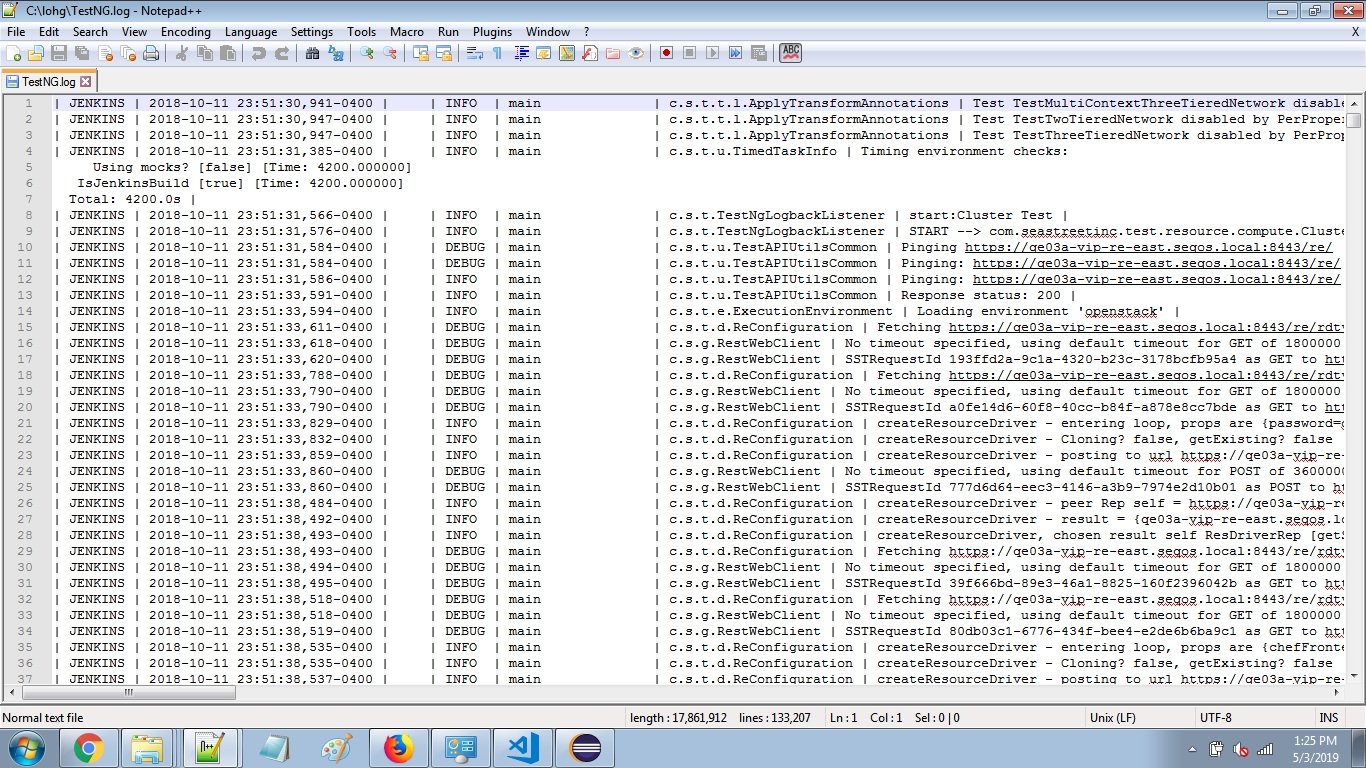
1. A file name "TestNG.log" is at "C:/log" in my computer that i want to extract basically this file has millions of lines from that suppose i want only line between 1 to 100
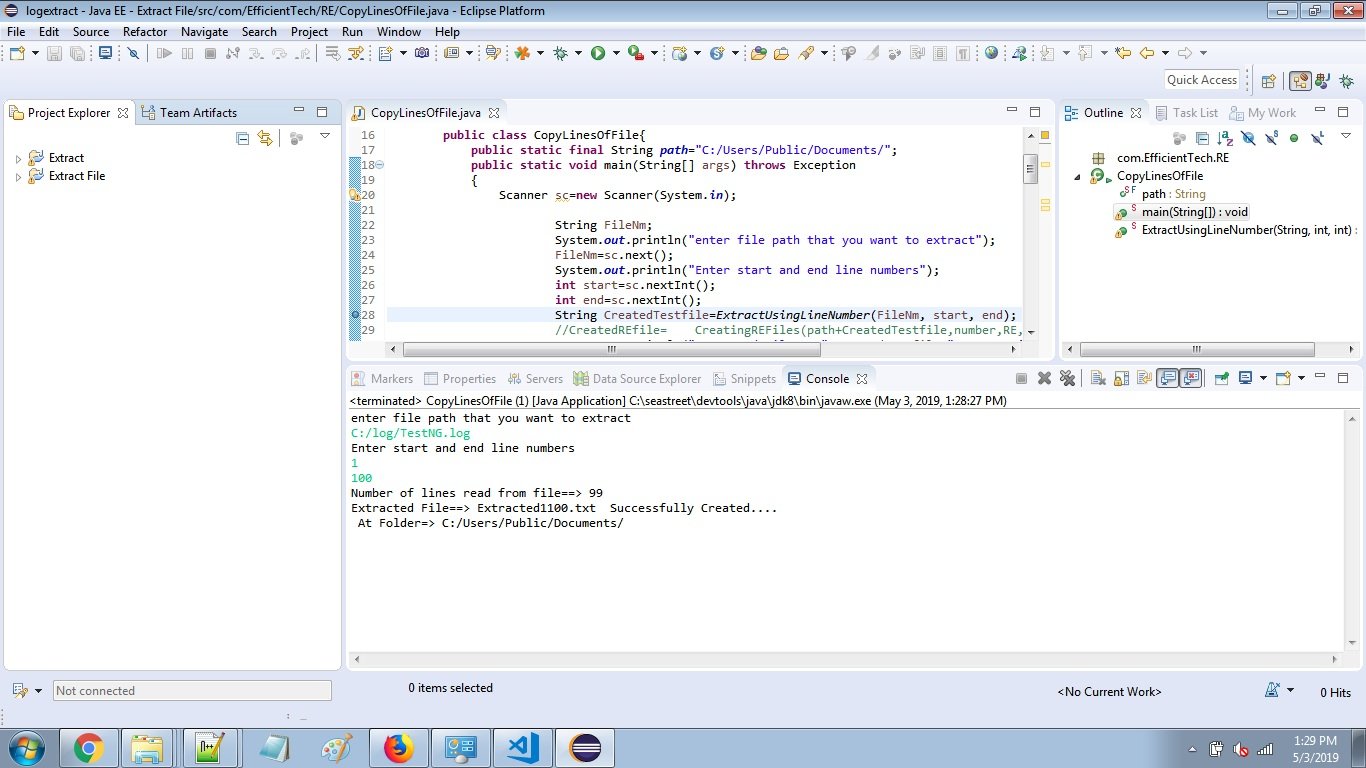
2. Then I just run the program give file path with its name and extension & second input is line numbers
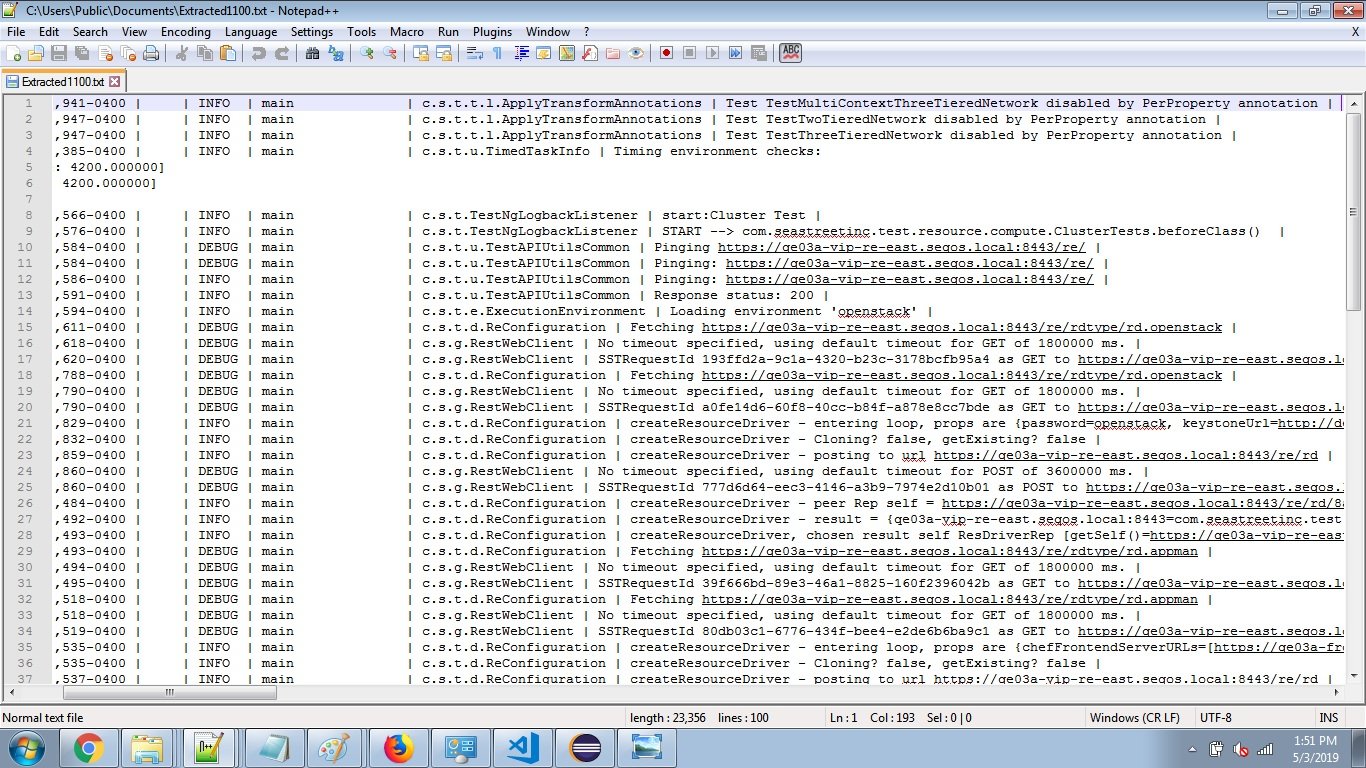
3. Extracted file is in "C:\Users\Public\Documents" with name started with "Extracted" and ending with "1100"